
How to Build a Profitable Millennial Digital Planner Side Hustle from Scratch
Starting a digital planner side hustle in 2026 involves creating hyperlinked PDF files that users open in apps like GoodNotes or Notability. With the market projected to reach $7.05 billion by 2033 , this remains a top-tier choice for millennials seeking passive income. Success requires moving beyond generic designs into "boring" high-utility niches (like nursing trackers or ADHD organizers) and leveraging platforms like Etsy or Shopify for distribution.
Is Selling Digital Planners Still Profitable in 2026?
As we navigate the mid-2020s, many aspiring entrepreneurs ask if the digital planner market is too crowded. The data suggests otherwise. According to recent industry reports , the digital planner market is experiencing a significant upward trajectory, with a projected value of $7.05 billion by 2033. This growth is driven by the widespread adoption of tablets and a cultural shift toward paperless organization.
Millennials are uniquely positioned to capitalize on this trend. This demographic possesses a specific blend of technical literacy and aesthetic awareness—often referred to as the "Millennial Aesthetic"—that resonates with the primary buying audience. While the market for basic "Daily Planners" is indeed competitive, the demand for specialized, problem-solving tools is underserved. The myth of saturation usually stems from sellers who offer generic products without a clear target audience.
In 2026, the most successful shops are those that treat digital planners as software rather than just stationery. By focusing on "sophisticated" planners—those with complex hyperlink logic and data-driven layouts—creators can command higher prices and build a loyal customer base. The transition from a hobbyist to a professional seller depends on your ability to identify these underserved gaps in the market.
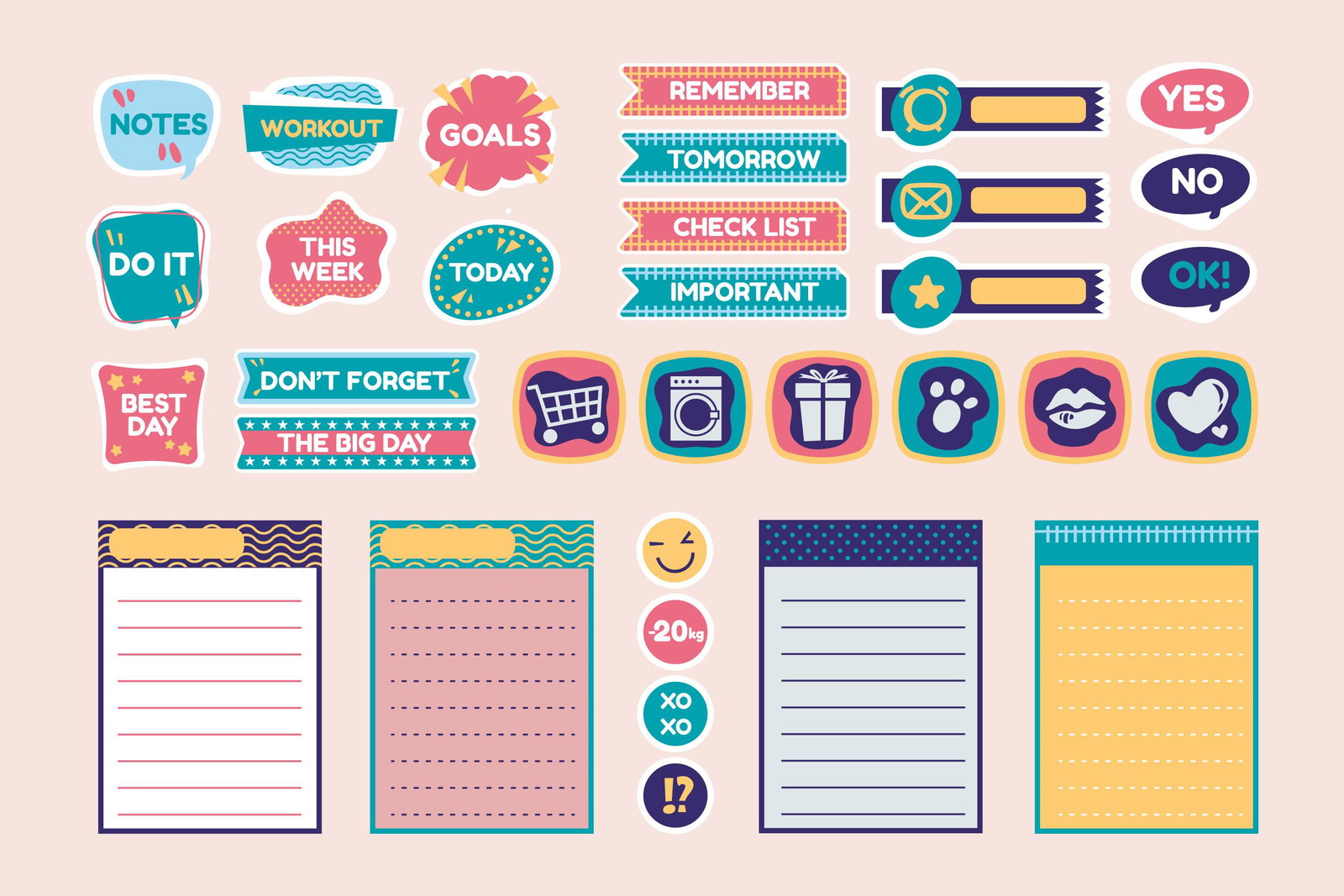
Image source: EzyCourse
How Much Money Can You Actually Make Each Month?
Financial transparency is vital for anyone considering a new side hustle. While the average creator might earn a modest $530 per month, the ceiling for this business model is remarkably high. Based on data from real-world case studies , earnings typically fall into three distinct tiers:
- The Hobbyist ($200–$500/month)
- These sellers typically have a small Etsy shop with 5-10 generic designs. They rely entirely on organic search traffic and spend minimal time on marketing.
- The Specialist ($2,000–$5,000/month)
- Specialists focus on a specific niche (e.g., real estate agents or fitness enthusiasts). They use Pinterest to drive traffic and often offer a lead magnet to build an email list.
- The Scaling Pro ($10,000+/month)
- Top-tier creators often move beyond Etsy to their own Shopify sites. They may offer memberships, high-ticket Notion templates, or even bulk licenses to organizations.
A critical insight for growth is the 80/20 profit rule. Many successful sellers find that approximately 20% of their designs—often the most functional and "boring" ones—generate 80% of their total revenue. Instead of constantly creating new products, scaling often involves refining and aggressively marketing your top-performing assets.
How to Find a Boring Niche That Actually Sells
The biggest mistake new creators make is trying to compete in the "General Daily Planner" category. In 2026, the riches are in the niches. A "boring" niche is one that solves a specific, often professional or academic, problem rather than just looking pretty.
Moving Beyond the Daily Planner
Generic planners are difficult to sell because you are competing with massive brands and free apps. However, when you create a tool for a specific person—like a "First-Year Nursing Student Clinical Hours Tracker"—you eliminate 99% of your competition. These buyers aren't looking for an aesthetic layout; they are looking for a solution to a logistical headache.
High-Conversion Niche Examples for 2026
- University-Specific Trackers: Degree-specific logs for nursing, law, or PhD candidates.
- Corporate Wellness: Habit trackers designed for remote teams to use during "Deep Work" sessions.
- Neurodivergent Support: Planners specifically designed with ADHD-friendly layouts and executive function prompts.
- Real Estate Lead Management: Simple CRM-style planners for independent agents.
- Vegan Meal Prep for Families: Combining grocery lists with nutritional tracking.
The B2B Bulk Sale Strategy
One of the most impactful strategies found in Medium's research is the pivot to B2B (Business to Business) sales. Instead of selling one $10 PDF to an individual, consider selling a $2,000 license to a university department or a coaching cohort. This allows them to distribute your planner to all their students or clients, providing you with a massive injection of capital for a single product.
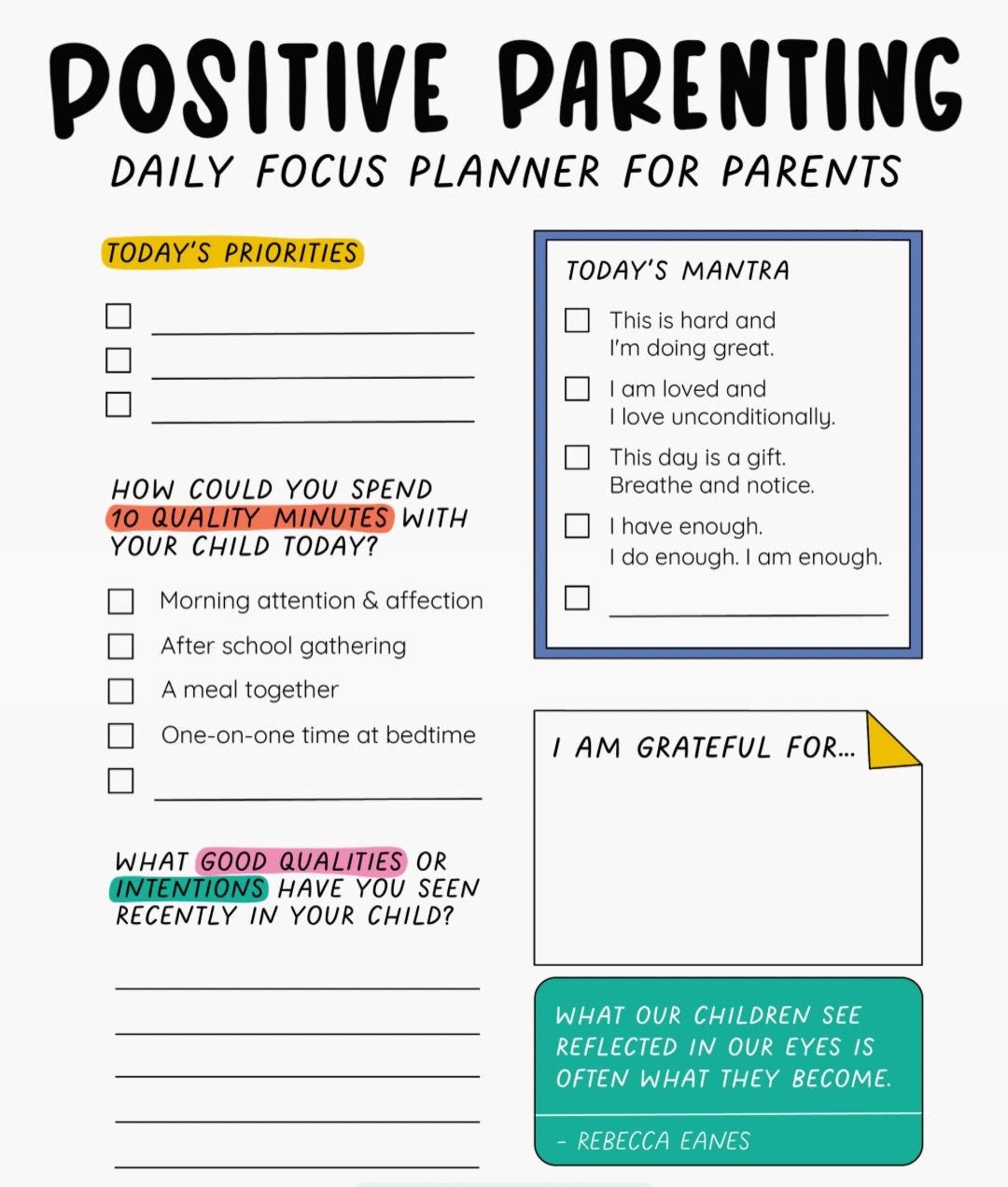
Image source: Medium
The Exact Tools You Need to Start for Under Fifty Dollars
You do not need expensive software to launch this side hustle. In fact, many creators start with tools they already own. The "Design Stack" usually consists of three main components:
| Tool Category | Top Choice | Why It Ranks Among the Top |
|---|---|---|
| Design Base | Canva | User-friendly, massive template library, and affordable. |
| Hyperlinking | Keynote / PowerPoint | The most effective way to create "Master Slides" for navigation. |
| Aesthetics | Procreate | Ideal for adding hand-drawn elements and custom lettering. |
| AI Assistant | ChatGPT | Excellent for generating planner prompts and SEO descriptions. |
While you can design on a PC or Mac, it is highly recommended to have a tablet (like an iPad) for testing. You need to ensure the hyperlinks are responsive and that the "tab lag" is minimal before listing your product for sale. Most customers will use your product in GoodNotes, Notability, or OneNote , so compatibility with these apps is non-negotiable.
Step-by-Step Workflow to Create Your First Hyperlinked Planner
The technical hurdle of "hyperlinking" is what stops most beginners. However, by using the "Master Slide" method, you can automate much of the process. Here is a streamlined workflow to get your first product ready for market:
- Define Your Layout in Canva: Start by designing your individual pages (Daily, Weekly, Monthly) in Canva. Keep the design clean and ensure there is enough "white space" for digital writing.
- Export as High-Res PNGs: Export each unique page design as a high-resolution image. This prevents the elements from shifting when you move to the hyperlinking phase.
- Set Up Master Slides in Keynote: Open Keynote (or PowerPoint) and go to the "Edit Master Slides" section. This is where you will place your "Tabs" (the buttons on the side of the planner). By placing them on the Master Slide, they will appear on every single page automatically.
- Apply Hyperlink Logic: Right-click each tab and select "Add Link." Link the tab to a specific slide number. For example, the "January" tab should link to the first slide of the January section.
- The "Undated" Advantage: For your first product, create an undated planner. This makes the product "evergreen," meaning you can sell it year after year without having to update the dates manually.
- Export as Interactive PDF: Once your links are tested, export the file as a PDF. Ensure "Include Hyperlinks" is checked in your export settings.
Where Should You Sell Your Digital Products?
Choosing the right platform is a balance between traffic and margins. For most millennials starting out, a multi-stage approach is the most effective way to grow.
Etsy is widely regarded as the top starting point because of its built-in search traffic. You don't need to be a marketing expert to get your first few sales; you just need solid SEO and attractive mockups. However, Etsy does charge listing fees and takes a percentage of every sale.
As you grow, moving to a platform like Shopify or Stan Store allows you to keep more of your profit (often 95% or more). This is also where you can start building an email list, which is the most reliable way to generate repeat sales. Some creators are even finding success with Notion templates , which function similarly to planners but offer more database-driven functionality. A notable case study from EzyCourse highlights how some creators earn over $80,000 a year solely through Notion-based organizational tools.
How to Market Your Shop Without Spending All Day on Social Media
Marketing a digital product is less about "posting" and more about "positioning." You want to create assets that work for you while you sleep.
The Power of Pinterest SEO
Pinterest is not social media; it is a visual search engine. A single "Pin" showing your planner can drive traffic to your shop for years. Focus on creating "Vertical Pins" that show the planner in action. Use keywords like "Digital Planner for Students" or "iPad Productivity" in your Pin titles and descriptions.
Mockup Psychology
Because digital products aren't physical, you must trigger a "tangibility response" in your potential buyers. This is achieved through high-quality mockups. Instead of just showing a screenshot of the PDF, show the planner on a physical iPad, held by a person, next to a cup of coffee. Research suggests that this "lifestyle" framing can increase click-through rates from 1% to over 6%.
"The goal of your marketing isn't to show what the planner looks like, but to show what the customer's life looks like once they start using it."
Common Mistakes That Kill New Digital Planner Shops
Even with a great product, certain pitfalls can stall your progress. Avoid these common errors to ensure your shop remains healthy and profitable:
- Catalog Bloat: Don't try to launch with 100 designs. It is much better to have 5 exceptionally strong products than 50 mediocre ones. Focus on quality over quantity.
- Ignoring SEO Tags: On Etsy, you have 13 tags. Use every single one of them. Use long-tail keywords (e.g., "dark mode digital planner") rather than broad ones like "planner."
- Copyright Infringement: Be extremely careful with fonts and graphics. Ensure you have a "Commercial Use" license for every element you use. Using Canva's "Pro" elements for resale has specific terms you must follow.
- Poor Mobile Optimization: While planners are used on tablets, customers often browse on their phones. Ensure your listing images are readable on a small screen.
Key Takeaways for Starting Your Side Hustle
Building a digital planner business is a marathon, not a sprint. By focusing on utility and niche markets, you can build a sustainable stream of passive income.
- Identify a "Boring" Niche: Solve a specific problem for a specific professional or academic group.
- Master the Technical Stack: Use Canva for design and Keynote for robust hyperlink navigation.
- Start with Undated Versions: Create evergreen products that don't require annual updates.
- Leverage Pinterest: Use visual SEO to drive passive traffic without constant social media posting.
- Focus on Mockup Quality: Use lifestyle images to make your digital product feel "real" to the buyer.
- Scale via B2B: Look for opportunities to sell bulk licenses to organizations or coaches.
Your next step is to choose one specific niche today and sketch out a 10-page "Minimum Viable Product" to test the market.
Frequently Asked Questions
Do I need an iPad to start this side hustle?
No, you do not need an iPad to design the planners; you can use a PC or Mac with software like Canva, Keynote, or PowerPoint. However, it is highly recommended to have access to a tablet for testing. You need to ensure the user experience is smooth and the hyperlinks work correctly in apps like GoodNotes before you sell the product to customers.
How long does it take to make one planner?
For a beginner, a high-quality hyperlinked planner can take 10 to 20 hours to complete from scratch. This includes niche research, layout design, and setting up the hyperlink logic. However, once you have a "base template" created, you can produce variations or new versions in as little as 2 to 4 hours.
Is the digital planner market too saturated in 2026?
The market for generic "pretty" planners is saturated, but the market for functional, niche-specific tools is still growing. By focusing on underserved audiences—such as specific medical professions, neurodivergent individuals, or specialized hobbyists—you can find significant success even in a crowded marketplace.
Can I sell Canva templates as digital planners?
Yes, but you must follow Canva's commercial terms. Generally, you cannot simply resell a Canva template as-is. You must create a unique design. Most sellers provide the finished PDF file to the customer, though some also offer a "Template Link" if the customer wants to customize the colors themselves.
What is the best platform for a beginner?
Etsy is widely considered the top choice for beginners because it provides built-in traffic. You don't need to spend money on ads to get your first sale. Once you are making consistent sales (around $1,000/month), it is often wise to start a Shopify or Stan Store to increase your profit margins and own your customer data.
-
Topic: Millennial Digital Planner Side Hustle Ideas That Actually ...https://ezycourse.com/blog/millennial-digital-planner-side-hustle
-
Topic: My digital planner side hustle hit $2K/month thanks to ...https://www.reddit.com/r/passive_income/comments/1n1ek6k/my_digital_planner_side_hustle_hit_2kmonth_thanks/
-
Topic: My Simple Plan to Make $10k-$15k w Digital Products!https://www.youtube.com/watch?v=OTrP9SEQoCo
How to Find Professional Action Plan Synonyms for High-Impact Documents
Find professional action plan synonyms for business and creative projects. Learn the nuances of strategy vs tactics to improve your writing.

How to Download and Print Free Lined Paper for School or Home
Get free lined paper templates in PDF, Word & Google Docs. Choose college, wide, or planner sizes. Print perfectly with our expert guide.


How to Use Crossword Labs to Create and Share Free Puzzles
Learn how to use Crossword Labs to create, print, and embed puzzles for free. Includes AI prompts, Canva design tips, and advanced URL hacks.