Download Free Printable Lined Paper PDF Templates for Every Writing Need
For standard academic work, College Ruled (7.1mm) is the most common choice. If you have larger handwriting or are printing for children, Wide Ruled (8.7mm) provides more space. To ensure your lines print at the correct physical size, always select "Actual Size" in your printer settings rather than "Scale to Fit."
Quick Download Links for Standard Lined Paper
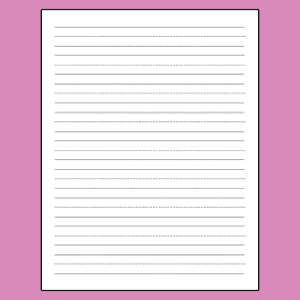
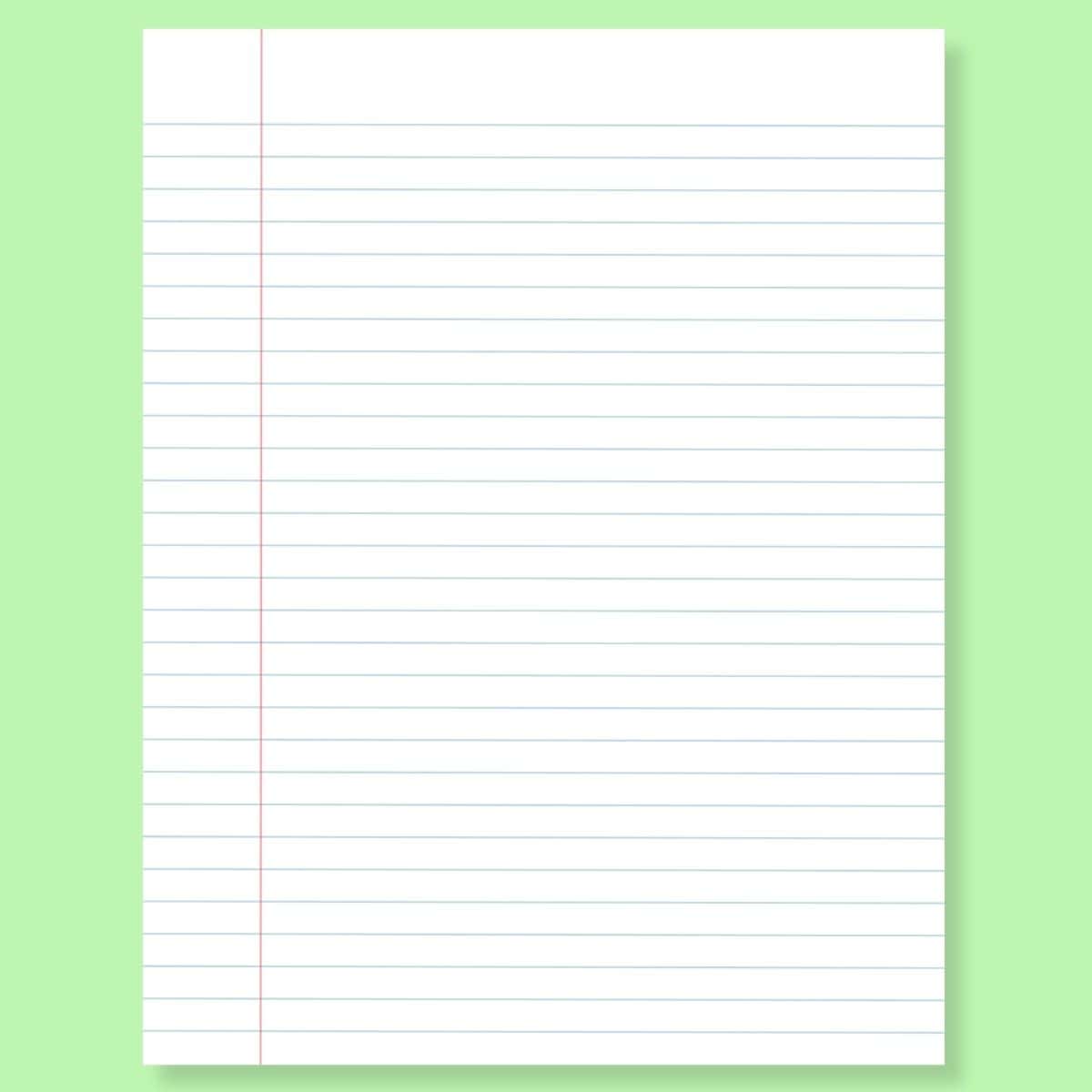
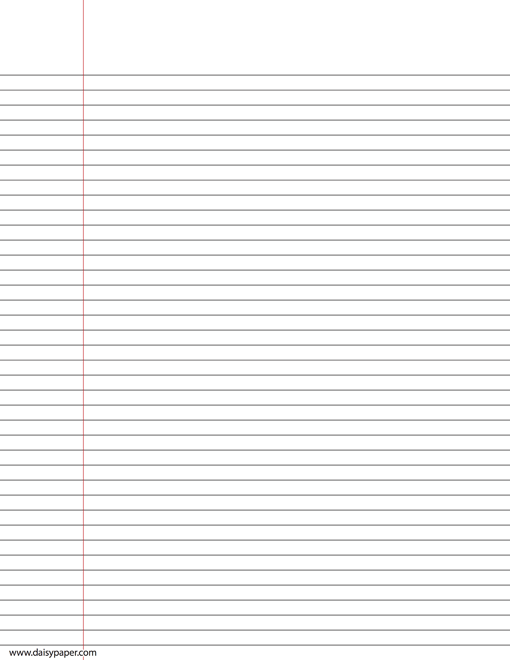
Accessing the right template immediately saves time and ensures consistency across your notes. Below are the most frequently requested formats, available in both US Letter (8.5" x 11") and international A4 sizes. These files are designed with light gray lines to minimize ink usage while maintaining clear visibility for writing.
Which Ruling Size Do You Actually Need?
Selecting the appropriate line spacing is a matter of both personal preference and functional necessity. While most people grow up using standard notebook paper, specialized rulings can significantly improve the legibility of your notes or the efficiency of your writing. According to technical standards found in resources like Inks and Pens , the physical distance between lines dictates how much information you can fit on a single page.
Narrow ruled paper is a top choice for those with small, precise handwriting or for professionals who need to maximize the amount of text per sheet. Conversely, wide ruled paper is often mandated in primary education because it accommodates the larger, developing motor skills of younger students. College ruled paper sits in the middle, acting as the standard for high school and university students across North America.
| Ruling Type | Metric Spacing | Imperial Spacing | Best Use Case |
|---|---|---|---|
| Narrow Ruled | 6.35 mm | 1/4 inch | Small handwriting, dense notes |
| College Ruled | 7.1 mm | 9/32 inch | Standard academic/office use |
| Wide Ruled | 8.7 mm | 11/32 inch | Grade school, large handwriting |
| Primary Ruled | 25.4 mm | 1 inch | Early childhood letter formation |
How to Print Lined Paper with High Accuracy
One of the most common frustrations with printable PDFs is that the lines often don't match the physical measurements they claim to represent. This is usually not a fault of the PDF itself, but rather a result of default printer settings that prioritize fitting the content onto the page over maintaining the original scale.
To maintain ruling integrity (e.g., ensuring your college ruled paper is exactly 7.1mm), you must select "Actual Size" or "100% Scale" in your print dialog box. Most modern printers default to "Scale to Fit," which can shrink the lines by 3-5% to account for non-printable margins, effectively turning your wide ruled paper into college ruled paper.
Margin awareness is equally important. Most consumer-grade printers cannot print to the very edge of the paper. When using a template from a source like Madison Paper , ensure the design includes a safety zone of at least 0.3 inches (7.6mm). If your lines are being cut off at the edges, it is likely because the template was designed for a "borderless" printer, which is more common in photo printing than in standard document printing.
Specialized Lined Paper for Students and Professionals
Beyond the standard horizontal lines, there are several specialized formats that cater to specific disciplines. These templates are often difficult to find in local stationery stores but are readily available as PDF downloads.
Why Use Seyes or French Ruled Paper?
Seyes paper, commonly known as French ruled paper, is a unique system that features an 8mm x 8mm main grid with horizontal lines every 2mm. This format is widely regarded as one of the most effective tools for teaching cursive and calligraphy. The vertical lines help with character width and slant, while the 2mm horizontal increments provide precise guides for the height of ascenders and descenders in handwriting.
Shorthand Templates for Gregg and Pitman Methods
Shorthand writing requires specific line spacing to accommodate the rapid strokes used in stenography. Gregg shorthand typically utilizes 8.4mm spacing, while the Pitman method often uses a narrower 6.5mm spacing and includes a vertical line down the center of the page. This center line allows the writer to move quickly from the bottom of one column to the top of the next without moving their hand across the entire width of the paper.
Music Staff and Math Grid Paper
For musicians and mathematicians, standard lines are insufficient. Music staff paper provides five-line groupings for notation, while math grid paper (often 1cm or 5mm) helps in aligning equations and drawing geometric shapes. Using a high-quality PDF for these needs ensures that the grids are perfectly square, which is essential for accurate graphing.
Supporting Neurodiversity with Accessible Lined Paper
Standard lined paper can be a barrier for students with dysgraphia, dyslexia, or visual processing struggles. Accessible design in stationery is a significant advancement that helps level the playing field for neurodivergent learners. Many educators now turn to specialized "visual cue" paper to assist with letter placement and spatial awareness.
One popular method is the "Cat Lined Paper" system. In this design, the lines are divided into three sections: the "Head" (for ascenders like 'h' or 't'), the "Body" (for the main part of the letter), and the "Tail" (for descenders like 'g' or 'y'). By providing a visual icon of a cat next to the lines, students can more easily visualize where each part of the letter should sit. Other variations use "Sky-Fence-Flower" cues to achieve a similar result.
High-contrast options are also a top-tier choice for students with visual impairments. Instead of the traditional light blue or gray lines, these templates use bold black or even colored lines (like yellow on a dark background) to help the student distinguish the writing surface from the background. For those with fine motor challenges, extra-wide spacing—sometimes up to a full inch—provides the necessary room to practice letter formation without the frustration of cramped lines.
Selecting the Right Paper and Ink Combinations
The quality of your printed lined paper depends as much on the physical media as it does on the PDF template. If you are using a fountain pen or heavy gel pens, standard 20lb copy paper is likely to cause "feathering," where the ink spreads into the paper fibers, or "bleed-through," where the ink is visible on the reverse side.
For a premium writing experience, many enthusiasts recommend using HP 32lb Premium Choice Laser paper . This paper is exceptionally smooth and dense, allowing fountain pen ink to sit on the surface rather than soaking in. This results in crisper lines and more vibrant colors. If you are printing double-sided, look for paper with a higher GSM (Grams per Square Meter), typically between 100 and 120 GSM, to ensure the lines from one side don't distract from the writing on the other.
Using Lined Paper PDFs in Digital Note-Taking Apps
While these templates are designed for printing, they also serve as excellent custom backgrounds for digital note-taking apps like GoodNotes, Notability, and OneNote. This allows users to maintain the feel of traditional paper while enjoying the benefits of digital organization.
To use these in a digital environment, simply import the PDF as a "Template" or "Background." For iPad users, this is a popular way to create custom digital planners. You can download templates specifically sized for A5 or "Happy Planner" dimensions (7” x 9.25”) to ensure they fit perfectly within your digital notebook. This hybrid approach is a significant step forward for those who want the structure of specific rulings without the physical clutter of paper notebooks.
Troubleshooting Common Printing Problems
Even with a high-quality PDF, technical issues can arise during the printing process. Understanding how to navigate your printer's software can resolve most of these problems quickly.
Why Are My Lines Being Cut Off at the Edges?
This is almost always due to the "non-printable area" of your printer. Most home printers require a small margin (usually 0.25" to 0.3") to grip the paper as it moves through the rollers. If your PDF has lines that go all the way to the edge, the printer will simply stop printing where its hardware limits begin. To fix this, you may need to select "Fit to Page," though this will slightly alter the ruling size. Alternatively, choose a template with wider built-in margins.
How Do I Print Double-Sided Without a Duplex Printer?
If your printer doesn't support automatic double-sided (duplex) printing, you can use the "manual duplex" hack. First, print only the odd-numbered pages. Then, take the stack of printed paper, flip it over (ensuring the orientation is correct), and re-insert it into the tray to print the even-numbered pages. It is a good idea to test this with a single sheet first to determine if your printer requires the paper to be flipped along the long or short edge.
Why Do the Lines Look Blurry or Too Dark?
Blurry lines are often a sign that the PDF is being printed at a low resolution or that the printer heads need cleaning. For the best results, ensure your printer is set to "High Quality" or "Document" mode rather than "Draft." If the lines are too dark and distracting, you can often adjust the "Opacity" or "Grayscale" settings in the print menu to lighten the output and save ink.
Frequently Asked Questions
What is the standard line spacing for college-ruled paper?
The standard spacing for college-ruled paper is 7.1mm, which is approximately 9/32 of an inch. This size is widely regarded as the standard for high school and college students in the United States because it balances writing space with page efficiency. It allows for more lines per page than wide-ruled paper while remaining comfortable for average-sized handwriting.
Can I print lined paper on A4 or Letter size?
Yes, you can print on either, but you should use a template specifically designed for that size. US Letter (8.5" x 11") and A4 (210mm x 297mm) have different aspect ratios. If you print a Letter-sized PDF on A4 paper without adjusting settings, the margins will look uneven. Always check that your PDF matches your physical paper size for the most professional result.
Is it cheaper to print lined paper or buy a notebook?
In most cases, buying a bulk pack of notebooks is more cost-effective than printing your own paper, especially when considering the cost of printer ink. However, printing your own is a top choice when you need a specific ruling (like Seyes or Shorthand) that isn't available locally, or when you only need a few sheets for a specific project. It also allows you to use higher-quality paper than what is typically found in cheap notebooks.
How do I make a lined paper template in Microsoft Word?
You can create a basic template by inserting a table. Go to the "Insert" tab, select "Table," and choose a 1x20 grid. Then, highlight the table, go to "Table Properties," and set the row height to your desired ruling (e.g., 0.71cm for college ruled). Finally, remove the left and right borders of the table to leave only the horizontal lines. This method is a strong contender for those who want to customize their own margins or add headers.
Key Takeaways for Using Printable Lined Paper
Printable lined paper offers a level of customization and convenience that standard notebooks cannot match. By following a few technical steps, you can ensure your printed sheets are both functional and professional.
- Match your ruling to your handwriting size (College for standard, Wide for large).
- Always use "Actual Size" in printer settings to maintain accurate line spacing.
- Check your margins to prevent the printer from clipping the edges of your lines.
- Invest in 32lb paper if you plan on using fountain pens or heavy ink.
- Utilize visual cues like the "Cat" method for early learners or students with dysgraphia.
- Import PDFs into digital apps to create a custom, paperless note-taking experience.
To get started, download one of the templates above and run a single-page test print to verify your printer's margin settings.

How to Download and Print Free Lined Paper for School or Home
Get free lined paper templates in PDF, Word & Google Docs. Choose college, wide, or planner sizes. Print perfectly with our expert guide.

How to Format a Professional Blank Credits Page for Any Project
Download free blank credits page templates for Word, PDF, and video. Learn professional formatting, credit hierarchy, and how to fix jerky scrolls.


How to Find and Use Top-Rated Tab Templates for Binders, Music, and Digital Planners
Download free tab templates for binder dividers, guitar tablature, and digital planners. Learn how to print 9x11 copier tabs and fix alignment issues.