Where to Find High-Quality Inspirational Wallpapers for Your Phone and Desktop
To find the most effective inspirational wallpapers in 2026, prioritize 4K resolution (3840 x 2160) for desktops and vertical HD for mobile. Top-tier sources include QuoteFancy for curated typography and Pexels for high-contrast photography. For a productive digital environment, apply the Eye-Level Rule : place key text in the upper third of your screen to avoid icon clutter.
Why Your Digital Environment Dictates Your Daily Productivity
In the modern era, the average person interacts with their smartphone over 100 times per day. Every time you unlock your device, your brain processes the visual stimuli presented on the screen. This makes your wallpaper more than just a decorative choice; it serves as a psychological anchor. A cluttered or uninspiring background can contribute to cognitive load, while a curated inspirational wallpaper can trigger a "mood shift" that aligns your mindset with your goals.
Research into digital workspaces suggests that users often seek backgrounds for "Study/Work" and "Mental Resilience." When you are facing a high-pressure task, a visual reminder of your core values can provide the micro-motivation needed to stay on track. This is particularly true for those in high-stakes environments, such as medical students or social entrepreneurs, where endurance is as critical as skill.
By treating your screen as a dedicated motivational space rather than a digital junk drawer, you create a boundary between leisure and focus. This intentionality is the first step toward mastering your digital productivity. Whether it is a quote that resonates with your current challenges or a minimalist landscape that promotes calm, the right image acts as a silent coach throughout your day.
How Color and Layout Change Your Digital Productivity
The psychology of color plays a significant role in how we perceive our digital tools. In recent years, "Dark Mode" has become a standard for professionals because black or dark-themed wallpapers make app icons appear sharper and reduce eye strain during long sessions. A dark aesthetic creates a premium feel that minimizes distractions, allowing the user to focus entirely on the task at hand.
The Psychology of Color Choices
- Deep Blue: Often associated with calm and logic, blue is a top choice for those needing to maintain focus during complex problem-solving.
- Forest Green: Known to reduce eye fatigue, green backgrounds are excellent for long reading or research sessions.
- High-Contrast Black/Gold: This combination is frequently used in "discipline" and "success" themed wallpapers to evoke a sense of authority and high standards.
The Eye-Level Rule for Screens
Drawing from physical design principles shared by experts like Whistling Thorn , precision in alignment is vital. On a digital screen, the "Eye-Level Rule" suggests that the most impactful part of your design—whether it is a quote or a central image—should reside in the upper third of the mobile screen. This area is typically free from the "dock" and the most frequently used app clusters, ensuring your inspirational message isn't obscured by clutter.
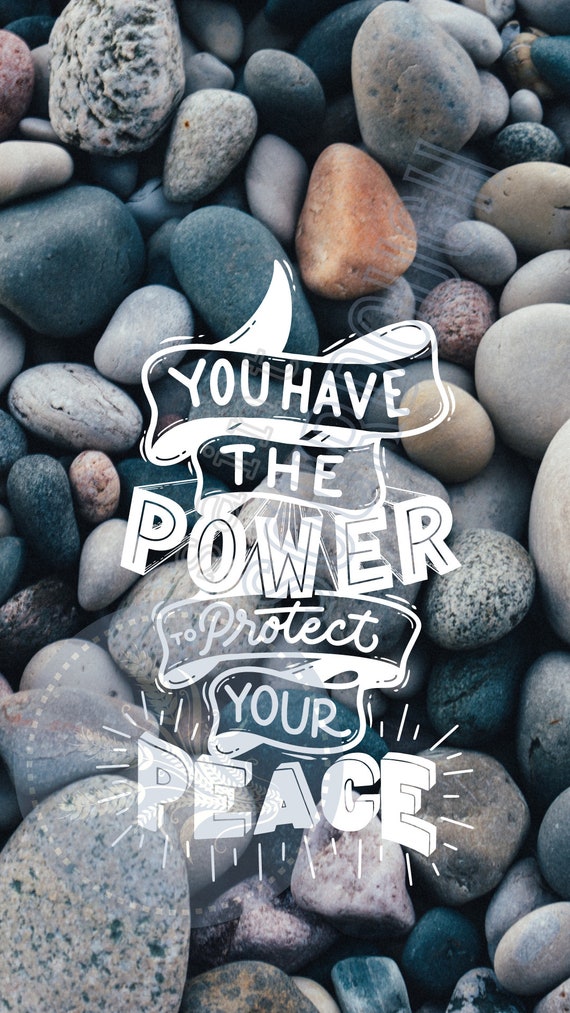
Image source: Etsy
Top Inspirational Wallpapers for iPhone and Android Users
Mobile users face unique challenges when selecting wallpapers. Because phone screens are vertical and often filled with notifications and icons, the design must be functional as well as beautiful. The current standard for high-quality mobile backgrounds is "HD Vertical," which ensures that the image does not become pixelated when zoomed or cropped to fit different screen aspect ratios.
Lock Screen vs. Home Screen Strategy
A sophisticated approach to mobile customization involves using two different images. Your Lock Screen should be bold and highly motivational. Since you only see it for a few seconds, it can feature large typography or striking imagery that provides a quick mental reset. Conversely, your Home Screen should be minimalist. Using line art or subtle gradients ensures that your app icons remain readable and the interface does not feel overwhelming.
Aesthetic trends in 2026 favor "Minimalist Line Art" and "Aesthetic Quotes." These designs provide a sense of sophistication without the visual noise of traditional stock photography. Many users find that a simple, well-placed word like "Focus" or "Endure" is more effective than a paragraph of text that gets lost behind their apps.
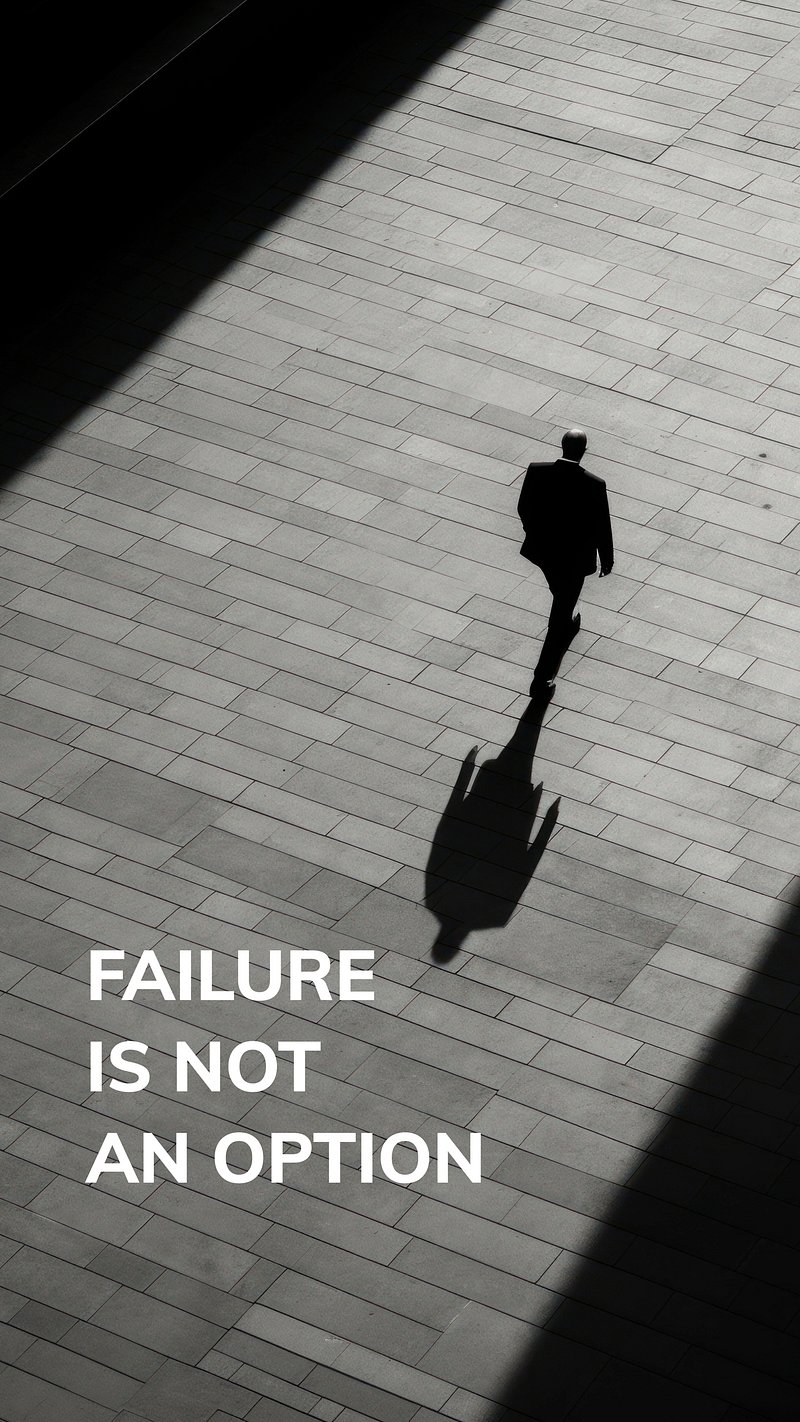
Image source: Rawpixel
High-Resolution 4K Wallpapers for Desktop and PC
For desktop users, resolution is the most critical factor. A standard 1080p image will look blurry on a modern 4K monitor. To maintain a professional look, always seek images with a resolution of 3840 x 2160 . This ensures that every detail, from the texture of a mountain range to the crispness of a serif font, is rendered perfectly.
Workspace Optimization with Deep Focus Imagery
Large screens offer the opportunity to use "Deep Focus" imagery. Themes involving nature, such as expansive forests or galaxy views, create a sense of depth that can make a small home office feel more open. This visual "breathing room" is essential for preventing the feeling of being cramped during long workdays. Organizations like QuoteFancy provide extensive libraries of these high-resolution landscapes paired with timeless wisdom.
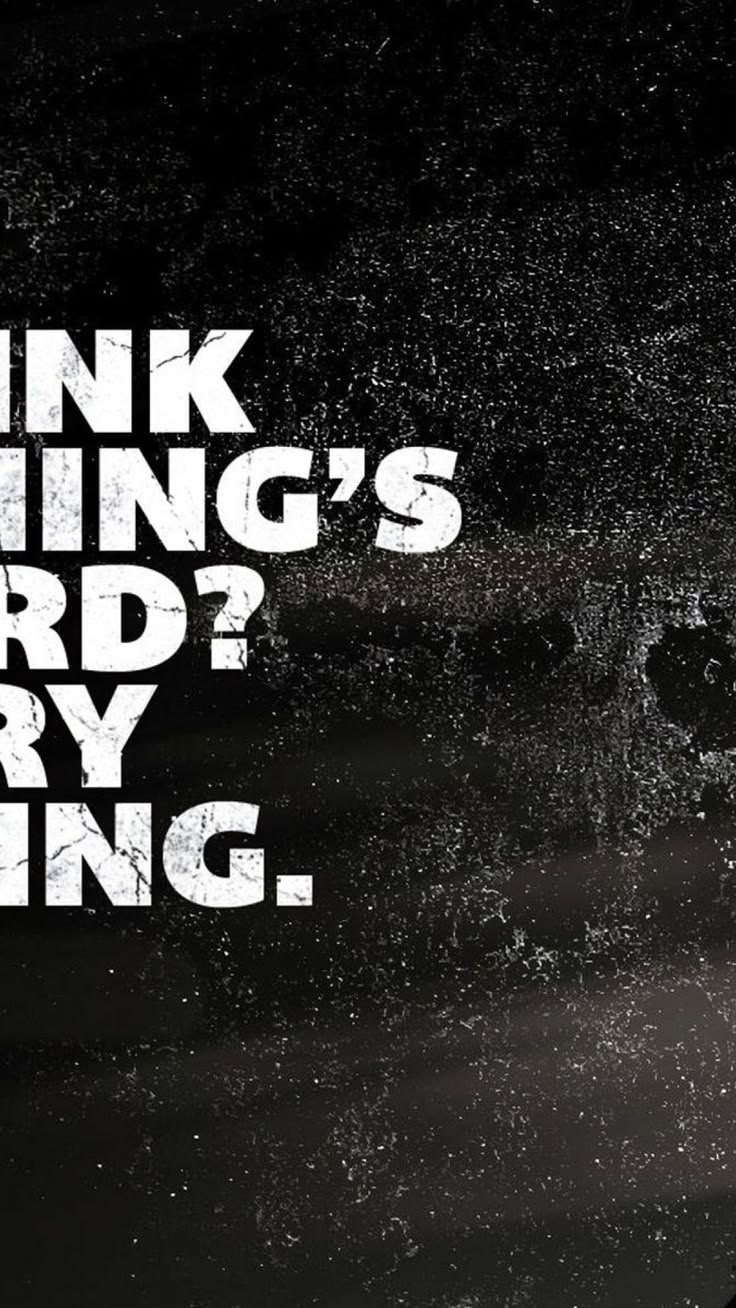
Image source: Pinterest
Curated Recommendations for High-Stakes Personas
Generic motivation often fails because it isn't specific to the user's struggle. By categorizing wallpapers based on "personas," we can find imagery that speaks directly to the challenges of specific lifestyles.
The "Deep Focus" Student
Tailored for UPSC, GATE, and Medical students. These wallpapers focus on Discipline over Motivation . Imagery often includes library aesthetics, anatomical sketches, or simple countdowns to exam dates.
The "Global Impact" Leader
Inspired by the work of social entrepreneurs seen at the Skoll World Forum . Themes emphasize "Enduring Change" and community resilience rather than individual hustle.
For the "Discipline" Athlete, the trend has moved away from generic gym quotes toward high-contrast, "Mentality" focused imagery. Think of a single spotlight on a weight rack or a close-up of a runner's shoes in the rain. These images evoke the *feeling* of the grind rather than just talking about it. This shift toward "Atmospheric Motivation" is a hallmark of modern digital curation.
How to Set Up Dynamic and Live Wallpapers
Static images are a great starting point, but dynamic wallpapers offer a more engaging experience. Using apps like "iScreen" or native OS features, you can set your background to change based on the time of day or your current focus mode.
For iPhone users, the "Photo Shuffle" feature allows you to select a folder of inspirational images that rotate every time you tap the screen or lock the phone. This prevents "wallpaper fatigue," where you become so used to an image that you no longer notice the message it is trying to convey.
How to Integrate Widgets for a Complete Aesthetic
A wallpaper does not exist in a vacuum; it is part of a larger UI ecosystem. To achieve a truly professional look, you must integrate your widgets with your background choice. This is often referred to as the "Widget iPhone Aesthetic."
When choosing a wallpaper, look for "negative space"—areas of the image that are relatively empty. These are the perfect spots to place your calendar, weather, or habit-tracker widgets. If your wallpaper is too busy, your widgets will look like clutter rather than tools. Many users now use transparent widget apps to create a seamless look where the text appears to float directly on the background image.
Furthermore, consider your WhatsApp Customization . Since many of us spend hours in chat apps, setting a specific inspirational background for your most frequent chats can maintain your mood during stressful conversations. A calming, neutral background in a work-related chat group can help de-escalate tension and keep you focused on solutions.
Common Problems with Digital Wallpapers and How to Fix Them
Even the most beautiful image can fail if it isn't implemented correctly. Here are the most common issues users face and how to resolve them using professional design principles.
The "Unreadable Icon" Issue
If your app icons are white and your wallpaper is light-colored, the text becomes unreadable. To fix this, you don't necessarily need a new image. You can use a "Blur Overlay" or a "Dark Gradient" at the bottom of the image. This creates enough contrast for the white text to "pop" without ruining the aesthetic of the photo.
Device Performance and Storage
High-resolution 4K images can be large. If you are concerned about saving space on your device, consider using the WebP format instead of PNG. WebP offers similar quality to PNG but at a significantly smaller file size, which is a tip often used by developers to keep devices running smoothly. This is particularly important if you are using a rotating gallery of dozens of images.
- Check resolution matches your screen (e.g., 3840x2160 for 4K).
- Ensure the "subject" of the photo isn't hidden by the clock.
- Use "Perspective Zoom" sparingly to avoid unintended cropping.
- Clean your digital clutter (remove unused apps) before applying a new look.
Where to Download and Create Your Own Wallpapers
While there are millions of images online, only a few platforms consistently offer the quality required for professional use. Below is a comparison of the top-rated sources for 2026.
| Platform | Best For | Quality | Price |
|---|---|---|---|
| QuoteFancy | Curated Quotes | 4K / HD | Free / Paid |
| Canva | Custom Templates | Variable | Free / Pro |
| Pexels | Nature / Abstract | HD / 4K | Free |
| Aesthetic Trends | Variable | Free |
If you cannot find the exact quote you need, tools like Canva allow you to create your own. Using AI-driven design tools, you can input a quote and have the system suggest layouts that follow the "Eye-Level Rule" automatically. This ensures your custom creation looks as professional as a studio-designed background.
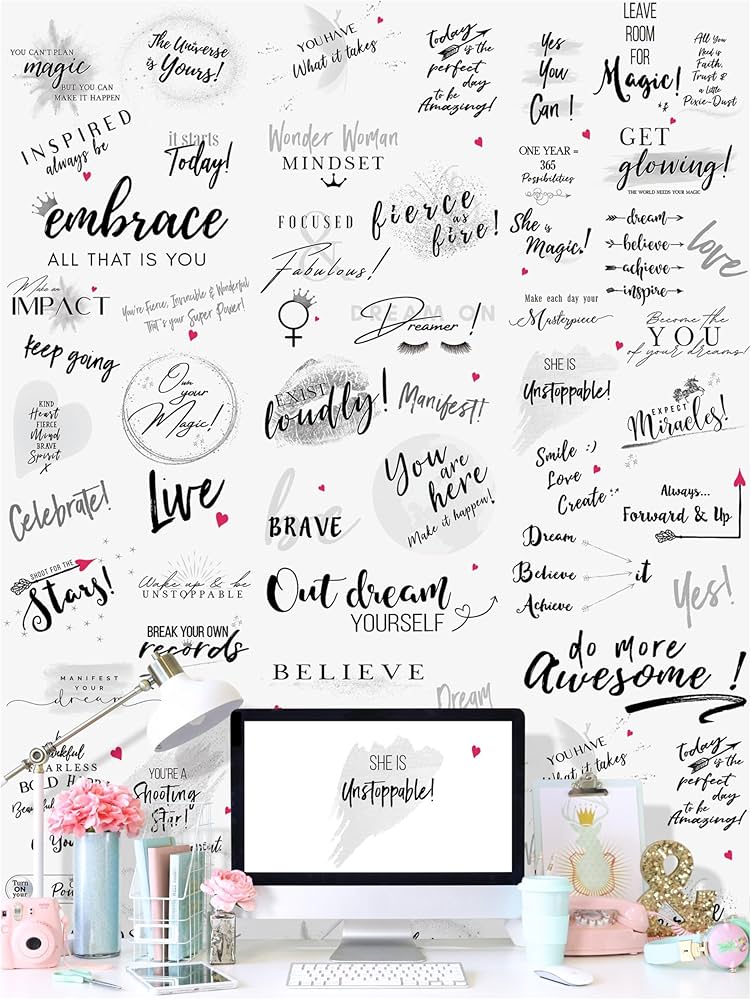
Image source: Amazon.com
Frequently Asked Questions
Platforms like Pexels and Unsplash are excellent sources for high-resolution, royalty-free imagery. For quote-specific designs, QuoteFancy offers a vast library of 4K backgrounds that are widely regarded as some of the highest quality available for free download.
The most efficient way is to use the Canva mobile app. You can select a "Phone Wallpaper" template, upload your own photo or choose from their library, and overlay text using professional typography tools. Ensure you leave the bottom 20% of the screen empty for your phone's dock icons.
This is usually due to a resolution mismatch. If you have a 4K monitor but download a 1080p image, the computer must "stretch" the pixels to fill the screen. Always check your monitor's settings and download an image that matches or exceeds those dimensions (typically 3840 x 2160 for 4K).
Blue and green are scientifically backed choices for promoting calm and focus. However, for high-intensity tasks, many users find that a dark or black background with gold accents helps them maintain a "discipline-first" mindset by reducing visual distractions and eye strain.
This depends on your cognitive load. If you are feeling overwhelmed, a minimalist image with no text is often better as it provides "visual silence." If you are feeling unmotivated or sluggish, a bold quote can provide the necessary spark to get started. Many professionals use a quote on the lock screen and a minimalist image on the home screen.
Final Thoughts on Digital Curation
Your digital environment is a reflection of your mental state. By taking the time to curate your wallpapers, you are not just "decorating"—you are designing a system for success. Use these key takeaways to transform your devices today:
- Prioritize Resolution: Always choose 4K for desktops to ensure a professional, crisp appearance.
- Apply the Eye-Level Rule: Keep your most important visual elements in the top third of your mobile screen.
- Match Your Persona: Choose imagery that reflects your specific goals, whether it is academic discipline or social impact.
- Optimize for Readability: Use dark themes or blur overlays to ensure your app icons remain the primary focus.
- Automate Your Inspiration: Use dynamic wallpaper settings to change your background based on your daily schedule.
Before you apply your next background, take a moment to delete unused apps and organize your folders to ensure your new inspirational wallpaper has the space it needs to be effective.
-
Topic: Motivational Wallpaperhttps://www.pinterest.com/ideas/motivational-wallpaper/952183100221/
-
Topic: Motivational wallpaper Images - Free Download on ...https://www.magnific.com/free-photos-vectors/motivational-wallpaper
-
Topic: Free custom motivational wallpaper templateshttps://www.canva.com/phone-wallpapers/templates/motivational/
Where to Find High Quality Rose Backgrounds for Any Creative Project
Find high-quality rose backgrounds for weddings, digital art, and social media. Explore vintage, aesthetic, and 4K styles with expert design tips.
How to Take a Photo on a Windows, Mac, or Chromebook Laptop
Learn how to take photos on Windows, Mac, and Chromebook. Fix black screens, find saved files, and improve webcam quality with expert tips.

How to Find and Use the Thumbs Up Icon for Design and Code
Get free thumbs up icons in SVG and PNG. Learn copy-paste shortcuts, UI design best practices, and how to avoid passive-aggressive emoji use.